
By Shamayun Chowdhury, Senior Accountant, Major Accountancy · Published: 4 November 2026 · Last reviewed: November 2026 · Based on HMRC agent authorisation guidance updated October 2026
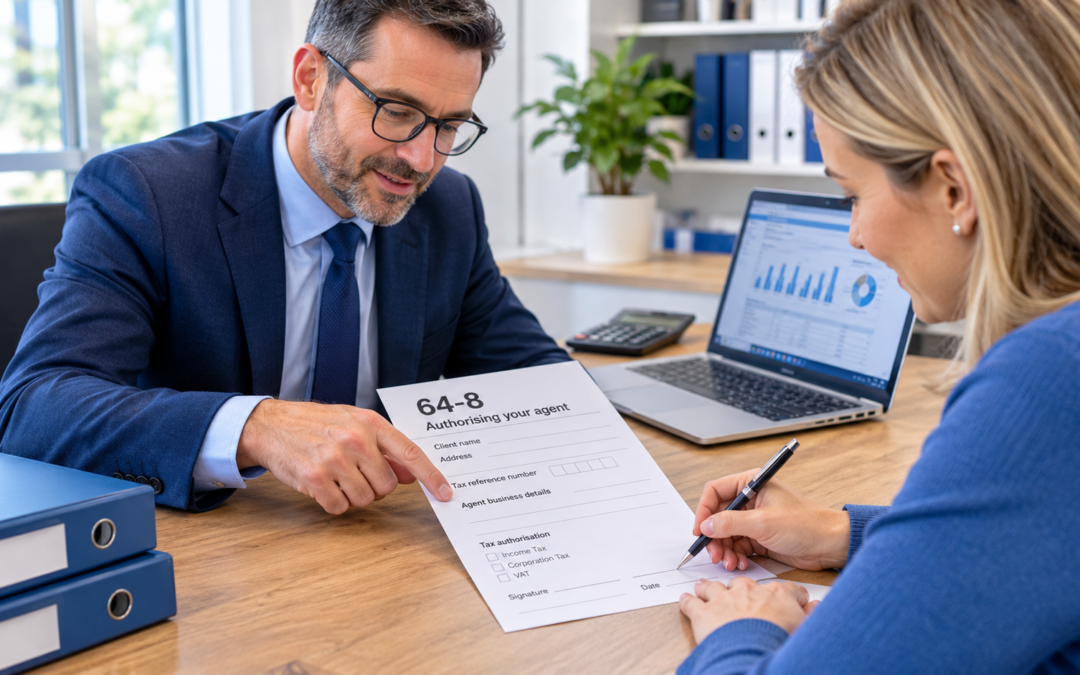
The 64 8 form, “Authorising your agent”, is HMRC’s paper form for letting an accountant or tax adviser deal with HMRC for you. It covers Self Assessment, Corporation Tax, PAYE, individual PAYE and National Insurance, and older VAT services. HMRC prefers online authorisation, and Making Tax Digital for Income Tax and VAT cannot be authorised with a 64-8 at all.
Most people meet the 64 8 form when they take on an accountant for the first time. It looks simple, but HMRC returns a surprising number of them because of small mistakes, and many clients still post one for taxes that now need an online request instead.
This guide begins with a route-finder table showing which authorisation method each tax needs. It then walks through the form section by section, lists the mistakes that get forms returned, and covers where to send it, how long it takes and the special cases where a 64-8 is the wrong tool.
- Use a 64-8 only when you cannot authorise your agent online or through your business tax account.
- It covers Self Assessment, Corporation Tax, PAYE, individual PAYE and National Insurance, and legacy VAT.
- MTD for Income Tax and MTD for VAT need a digital request from your agent, not a 64-8.
- A new 64-8 overrides any earlier authority you gave HMRC.
- You remain legally responsible for your own tax, even with an agent.
What Is a 64 8 Form?
Form 64-8 is officially called “Authorising your agent”. Signing it gives HMRC permission to share information about your tax affairs with your agent and to deal with them directly. HMRC explains what an agent can then do, tax by tax, in its guide to authorising an agent to deal with your tax affairs.
Three rules matter from the start:
- It replaces earlier authority. A new 64-8 overrides any authorisation you gave HMRC before, so it can also be used to switch agents.
- You stay responsible. HMRC still holds you liable for your tax, and you must check any return your agent prepares before it is submitted.
- It is for paid agents. To let a friend or relative help you, HMRC has a separate process.
Do You Still Need a 64-8? The Route-Finder Table
HMRC now asks agents to get authorisation online wherever a service allows it. The table summarises HMRC’s guidance on how to get authorised to act as a tax agent, updated in October 2026.
| Tax or service | Online route | Can you use a 64-8? |
|---|---|---|
| Self Assessment | Online Agent Authorisation | Yes |
| Corporation Tax | Online Agent Authorisation | Yes |
| PAYE for employers | Online Agent Authorisation or client’s business tax account | Yes |
| Individual PAYE or National Insurance | None | Yes, paper 64-8 only |
| VAT (legacy services) | Client’s business tax account | Yes |
| VAT under Making Tax Digital | Digital handshake | No |
| MTD for Income Tax | Digital handshake, or Self Assessment authorisations added to the agent services account | No |
| Construction Industry Scheme | Online Agent Authorisation or business tax account | No |
| Capital Gains Tax on UK property, Trust Registration Service | Digital handshake | No |
| High Income Child Benefit Charge | CH995 online form | CH995 paper form, not 64-8 |
| Tax credits and Child Benefit | TC689 online form | TC689 paper form, not 64-8 |
| Charities | ChV1 online form | ChV1 paper form, not 64-8 |
| Annual Tax on Enveloped Dwellings | ATED online service | ATED1 paper form, not 64-8 |
No. The 64-8 is a paper form that you print, sign and post. The online equivalents are Online Agent Authorisation, where your agent requests access and you receive a code, and the digital handshake, where your agent sends you a link to accept.
How to Fill In the 64-8 Form, Section by Section
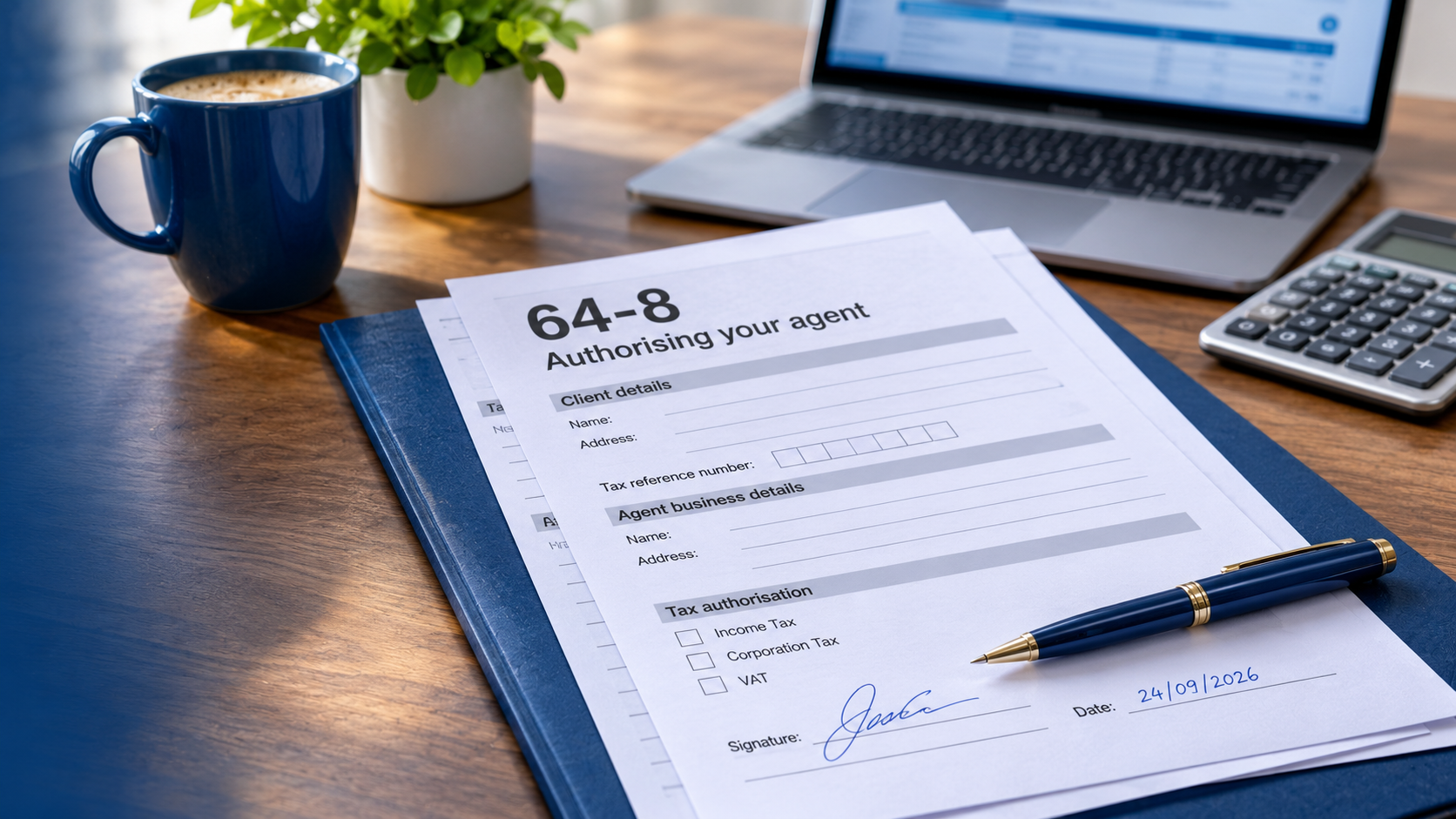
Download the current version of the form from GOV.UK’s 64-8 publication page. HMRC introduced a new version in 2022, so do not reuse an old copy kept on file. The form is three pages long and you can complete it on screen in Adobe Reader before printing, or print it and fill it in by hand.
1. Your details
Enter your full name and address exactly as HMRC holds them, along with the reference numbers for the taxes you are authorising. Depending on the tax, that might be your Unique Taxpayer Reference, National Insurance number, Corporation Tax UTR, PAYE reference or VAT registration number.
2. Your agent’s details
Your agent gives you their business name, address and an agent code for each tax. The codes must go in the right boxes in the right format. HMRC’s examples are a six-character Self Assessment agent code in the form 1111XX and a PAYE agent code in the form XX1111. Put nothing else in those fields.
3. The taxes being authorised
Complete only the sections for the taxes you want your agent to handle. Leave the rest blank. Do not cross them out, because HMRC treats striking through unused boxes as an error.
4. Signature and date
The taxpayer signs and dates the form. For a limited company, HMRC’s Corporation Tax manual says a paper 64-8 must carry the original signature of an officer of the company, such as a director or the company secretary. For partnerships and trusts, read the notes on the form for who should sign. For a joint tax credits claim, both claimants must sign.
Sam rents out two flats and also has a part-time employment. Her accountant asks her to authorise them for Self Assessment and for her individual PAYE record.
Sam enters her name, address, UTR and National Insurance number, adds the accountant’s Self Assessment agent code in the Self Assessment box, completes the individual PAYE section, leaves every other section blank and signs. If she later joins MTD for Income Tax, her accountant will also send her a digital request.
Why Do 64-8 Forms Get Returned?
HMRC publishes clear instructions, and most rejected forms break one of them.
| Mistake | What to do instead |
|---|---|
| Handwriting is hard to read | Type the form on screen, or write clearly in capitals |
| Extra text in the agent code field | Enter only the correct agent code, nothing else |
| A covering letter sent with no essential information | Leave the letter out unless HMRC needs something the form cannot hold |
| Notes written outside the boxes | Keep every entry inside its box |
| Unused boxes struck through | Leave unused boxes blank |
| An old version of the form | Download the current form from GOV.UK each time |
Where to Send a 64-8 Form and How Long It Takes
Post the signed form to the address printed on the form itself. Do not rely on an address from an old letter or website, because HMRC changes its postal routing. The same applies if you are asking where to send a 64-8 for Corporation Tax: use the form’s own instructions.
HMRC does not give a fixed processing time on the form. Agents can check current turnaround times with HMRC’s Where’s my reply? tool for tax agents, and individuals can use the general check when you can expect a reply service. Both are updated regularly. Online Agent Authorisation and the digital handshake are usually much quicker than post.
A rule for agents who only use paper
From 2026, anyone paid to deal with HMRC for clients must register as a tax adviser through an agent services account, even if they only ever send paper forms such as the 64-8. HMRC confirms this in its guidance on registering as a professional tax agent. Our guide to the HMRC agent services account explains the dates and the application.
Special Cases Where a 64-8 Is Not the Answer
- Limited authorisation: if you only want an adviser to help with one specific matter, rather than act as your full agent, write a letter of authority to HMRC instead. HMRC no longer accepts the 64-8 for this. The letter must include your name, address, tax reference, the agent’s name and address, and your signature.
- A compliance check: to let an adviser deal with an HMRC compliance check, use form COMP1a, the temporary authorisation form.
- Trusts: a 64-8 does not give your agent access to the online Trust Registration Service. The trust must authorise the agent within that service.
- Clients who cannot use digital services: the agent can send the authorisation link and a number for HMRC, and HMRC’s Extra Support Team will talk the client through the process by phone.
- Client sign-in details: an agent must never use a client’s own HMRC login. Authorisation always comes through a form, a request or the client’s account.
Can You Use a 64-8 Form for Making Tax Digital?
No. For MTD for VAT and MTD for Income Tax, your agent sends you an authorisation request from their agent services account, and you accept it online. HMRC calls this the digital handshake.
There is one link between the two systems. If your accountant already holds Self Assessment authority for you, including authority given through a 64-8, they can add it to their agent services account for MTD for Income Tax. You will still need to be signed up for MTD separately, either by you or by your accountant.
Our guides to MTD for Income Tax and MTD for VAT explain what happens after authorisation, and the guide to signing up for Making Tax Digital covers the sign-up step.
How Do You Change or Remove an Agent?
To switch agents for taxes covered by the 64-8, a new form authorising the new agent overrides the old authority. For online services, you can usually remove an agent through your HMRC account, and agents can cancel an authorisation from their own account. HMRC sets out every route on its page to change or remove your tax agent’s authorisation.
Tell your old agent when you move, so they stop acting for you and can pass on any records you need.
For Clients: The Quickest Way to Authorise MTDFix
If you are a sole trader or landlord joining Making Tax Digital, you do not need to fill in a 64-8 for us to handle MTD. We send you a single online request, you accept it, and we take care of the sign-up, digital records and quarterly updates. Where a 64-8 is still needed for another tax, such as individual PAYE, we tell you exactly which boxes to complete.
64-8 Form FAQs
What is a 64-8 form?
It is HMRC’s paper form “Authorising your agent”. It lets HMRC share information with your accountant or tax adviser and deal with them for Self Assessment, Corporation Tax, PAYE, individual PAYE and National Insurance, and legacy VAT.
Can you submit a 64-8 online?
No. The form must be printed, signed and posted. For most taxes, the faster alternative is online authorisation, through Online Agent Authorisation or a digital handshake.
How long does a 64-8 take to process?
HMRC does not publish a fixed time on the form. Check its Where’s my reply? tool for current timescales. Online authorisation is usually much faster than sending the paper form.
Where do I send a 64-8 for Corporation Tax?
Send it to the postal address printed on the current version of the form. For Corporation Tax, Online Agent Authorisation is also available and is usually quicker.
Can I use a 64-8 for Making Tax Digital?
No. MTD for Income Tax and MTD for VAT are authorised through your agent’s agent services account, using a request you accept online.
Who signs a 64-8 for a limited company?
An officer of the company, such as a director or the company secretary, must sign the paper form with an original signature.
Can a 64-8 be used for a partnership?
Yes. HMRC’s paper form route covers partnership tax affairs as well as individuals and trusts. Check the notes on the form for who should sign on the partnership’s behalf.
Final Word on the 64-8 Form
The 64-8 form is still useful, but it is now the back-up route rather than the first choice. Use the route-finder table to check whether your tax needs it, download the current version, fill it in exactly as HMRC asks and post it to the address on the form. For Making Tax Digital, expect a digital request instead.
Written by Shamayun Chowdhury, with every rule checked against HMRC guidance on GOV.UK and HMRC\’s Corporation Tax manual in November 2026. No separate technical reviewer is named. HMRC updates its forms and routes, so check the linked pages before acting. This guide is general information, not advice for your circumstances.