
Sign Up for Making Tax Digital: What HMRC Asks and How Long It Takes
By Marina Jahan ·
Reviewed by Shamayun Chowdhury, CIMA ·
Tax year 2026/27 · Last reviewed [22 September 2026]
Quick answer
Registration happens in one HMRC service, opened with the Government Gateway details you already use for Self Assessment. Expect it to take about ten minutes if your business details are to hand, and expect a request to prove your identity. An accountant can complete the whole thing for you. VAT works differently: there is nothing left to join, because every VAT registration carries the digital rules automatically.
Who HMRC expects to register
Gross income decides it. Add the turnover from any trade you run to the rent you receive, take the figure straight off your last tax return, and compare it with the limit for that year. Above £50,000 on the 2024/25 return and the obligation started on 6 April 2026. The bar falls to £30,000 for 2027 and £20,000 for 2028. Our page on the Making Tax Digital thresholds breaks down what is counted and what is not.
Do I need to sign up for Making Tax Digital, or to register for Making Tax Digital for Income Tax, if the figures are below that? Not yet, though the falling limits mean most self-employed people and landlords eventually arrive. Do I have to sign up for Making Tax Digital if an exemption applies? No, but the exemption has to exist first, granted by HMRC rather than assumed by you.
Before HMRC’s Making Tax Digital registration service lets anyone in, two boxes must already be ticked: you are registered for Self Assessment, and you have filed a return at some point in the previous two years. Someone who started trading last month meets neither, so the first job is Self Assessment, then that first return, and the Making Tax Digital register opens afterwards.
A letter usually arrives, but do not rely on it. HMRC checks returns each year and writes to people whose qualifying income has cleared the threshold, naming the tax year they must start. Post goes missing and addresses change. HMRC’s own guidance puts the duty to check on the taxpayer, letter or no letter.
People the service will not accept
Not everyone who wants to register can. Four groups are turned away:
- Anyone without a National Insurance number at the start of the tax year. That is an automatic exemption, and the service blocks registration entirely. Getting a number later in the year does not change that year’s position.
- Partnerships. Partnership profits sit outside the Income Tax rules, so a partnership cannot register at all. Individual partners are still judged on any trade or property they hold personally.
- People HMRC has exempted. An exemption removes both the duty and the option.
- Anyone outside Self Assessment, or with no return filed in the last two years.
If you think an exemption should apply, apply early. HMRC works to a 28-day target for these applications, longer where information is missing, and the application belongs well before your start date rather than in the week your first update falls due.
Timing: when do I need to register for Making Tax Digital?
There is no deadline for registering for Making Tax Digital in the way a tax return has one.
That surprises people. Searches for an MTD sign up deadline, MTD sign up dates or an MTD sign up window all assume a single cut-off like 31 January. None exists. What replaces it is a practical rule: be registered, connected and recording from the first day of the tax year in which the rules reach you.
Where that leaves you, depending on your year:
| Your position | MTD when to register |
|---|---|
| Mandated from April 2026 | Now, without waiting. You are already in the tax year. |
| Mandated from April 2027 | Any time before 6 April 2027, or sooner as a volunteer |
| Mandated from April 2028 | Plenty of time, but the habits are worth building early |
| Start date already passed | Register, connect software, then send the quarters you have missed |
MTD late registration is not fatal. Your software can send earlier quarterly updates for the year once it is linked, and the first year carries no penalty points for late updates. What it cannot do is skip them: the tax return will not go through until the full set has arrived. The dates that follow registration are set out on our page covering the Making Tax Digital start date and deadlines.
What to have in front of you
Collect these first and the MTD sign up runs in one sitting.
| Item | Notes |
|---|---|
| Government Gateway ID and password | The Self Assessment one. Recover it before you start if it is lost. |
| Date the business or letting began | Asked for where it falls inside the last two tax years |
| The tax year you are joining | Determined by the threshold you crossed |
| Trading name, address and type of trade | Sole traders only. Use the name your invoices carry. |
| Identity documents | Passport or driving licence for the app check, or answers about records HMRC holds |
Several trades, or a mix of trading and letting? Every source shows in the service and each needs checking, with anything missing added by you. Sources that have stopped need telling to HMRC before the tax year opens, otherwise the system carries on demanding updates for a business that closed.
Software can wait, briefly. HMRC lets you register before choosing a product, but nothing can be filed until software is chosen and authorised, so the gap is borrowed time rather than saved time.
How to sign up for Making Tax Digital: the six steps
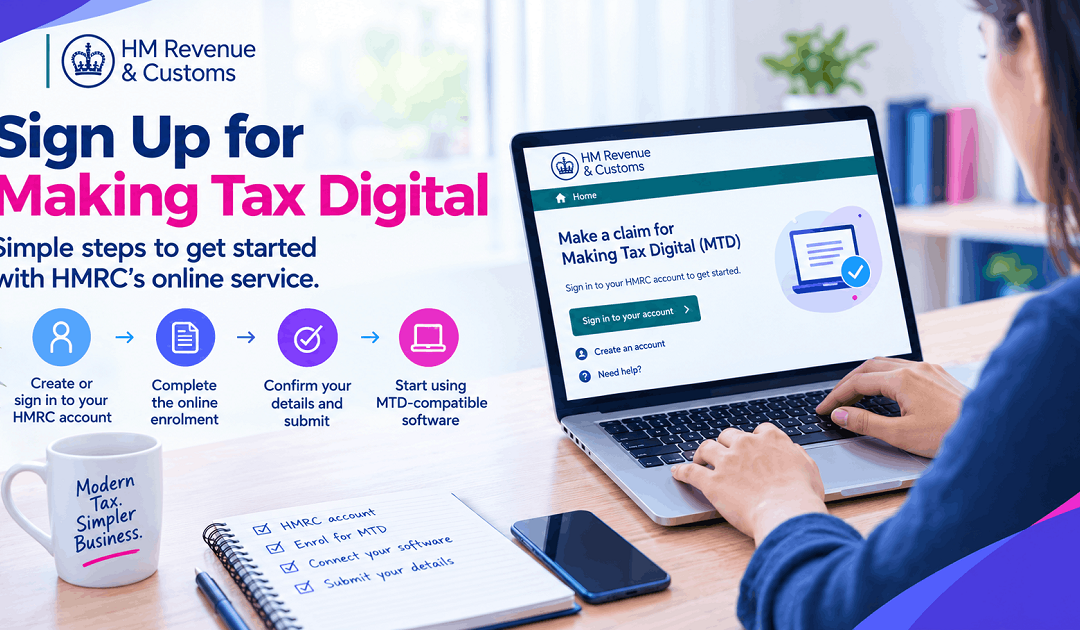
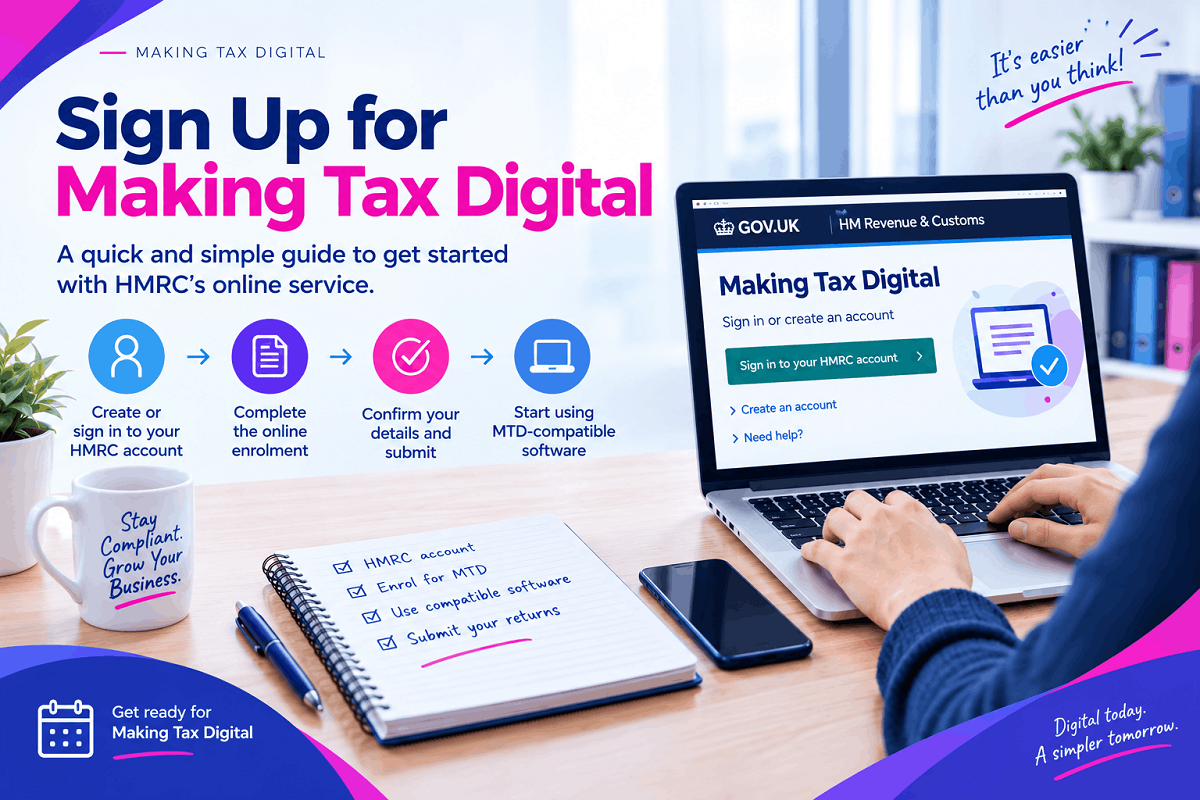
One service handles every version of the question: how to register for Making Tax Digital, how do I register for Making Tax Digital, how do you register for Making Tax Digital, how do I sign up for Making Tax Digital, how do you sign up for Making Tax Digital, how to set up Making Tax Digital. Signing up to Making Tax Digital follows the same six steps in each case.
- Check the figures. Gross trade plus gross rent from your latest return, against that year’s limit.
- Pick software. Choose from HMRC’s compatible list, or bridging software if a spreadsheet is staying. Ask the provider whether it covers your situation before committing.
- Open the service. Go through GOV.UK’s sign-up guidance and sign in with your Self Assessment credentials.
- Prove who you are. Either photograph a passport or driving licence through the HMRC app, or answer questions drawn from records HMRC already holds about you.
- Confirm what you run and when you start. Work through the listed income sources, add anything absent, and select your first MTD tax year.
- Authorise the software. Inside the product, give it permission to file for you. Skip this and you are registered but mute.
HMRC checks eligibility from the answers as you go, so there is no separate approval to wait for. Signing up for Making Tax Digital ends there, and the same service handles sign up for Making Tax Digital for Income Tax whichever year you are joining. Whether you searched how to register for Making Tax Digital with HMRC, HMRC Making Tax Digital sign up, HMRC sign up for Making Tax Digital, HMRC register for Making Tax Digital, register for Making Tax Digital HMRC, sign up for Making Tax Digital HMRC, Making Tax Digital sign up HMRC, make tax digital sign up, MTD signup, register Making Tax Digital, register for make tax digital or sign up Making Tax Digital, this is the route. HMRC Making Tax Digital registration costs nothing, and the sign up for Making Tax Digital gov uk pages describe the same sequence. There is also no paper form, and no phone route that replaces it.
What lands afterwards
Registration produces three results, and the second one is where problems hide.
- Confirmation from HMRC, naming the tax year you have joined.
- Obligations inside your software. Once the link is authorised, the quarterly periods and due dates should appear. An empty list means the connection never completed.
- A live first deadline. Quarter one runs 6 April to 5 July and is due by 7 August. Join mid-year and the earlier quarters queue up behind you.
Two things derail more sign-ups than any rule: lost Government Gateway credentials, which have no workaround inside the service, and HMRC’s planned maintenance, which takes the service offline periodically and is announced in advance. Neither is a reason to leave registration to the night before something is due.
Going through an accountant
Handing the job over is entirely normal, and the sign up for Making Tax Digital HMRC process has a separate route built for agents. You do not touch it.
- Authorisation. A firm already acting for you on Self Assessment carries that authority across, provided it appears in their agent services account. A new firm sends an authorisation request for you to approve online, sometimes described as a digital handshake.
- Registration. Being authorised does not register you. Your accountant signs each client up individually through the agent service.
- Connection. Their software links to your record, and every update after that leaves their system, not yours.
You approve figures; you never sign in. Sign up to make tax digital this way and the only thing you keep is the approval step. Register for make tax digital yourself instead and the admin stays with you.
Joining before you have to
You can sign up voluntarily for Making Tax Digital for the current tax year or the next one. Those who sign up voluntarily for Making Tax Digital for Income Tax usually do it because the threshold is coming anyway, or because learning software in a quiet year beats learning it in a mandated one.
Two conditions come with volunteering. Anything already missed in the year you join has to be sent through your software. And volunteers sit under the same penalty framework as mandated taxpayers, with HMRC writing to confirm when that starts applying. It is a commitment, not a sandbox.
The VAT position: nothing left to join
Guidance about how to register for Making Tax Digital for VAT, how to sign up for Making Tax Digital for VAT or how to sign up to Making Tax Digital for VAT nearly always predates April 2022. Since that date every VAT-registered business has been inside the rules by default, and newly registered businesses are enrolled as part of registering for VAT.
So the tasks behind sign up your business for Making Tax Digital for VAT, register for Making Tax Digital for VAT, sign up to Making Tax Digital for VAT, sign up for VAT MTD, Making Tax Digital VAT sign up and sign up for Making Tax Digital for VAT HMRC all come down to the same thing now: pick compatible software or bridging software and authorise it. The registration step retired. Where HMRC has granted a VAT exemption, you stay outside and file as before. Our page on Making Tax Digital VAT returns covers what follows.
If HMRC enrolled you
September 2026 changed the dynamic. HMRC began registering people who met the 2026/27 threshold and had not acted, using whatever information its records contained. A letter means the enrolment is real and the obligations are running.
Check three things straight away, because HMRC works from history rather than your current position:
- Is a trade or property listed that has since closed or been sold?
- Is something new missing from the record?
- Are the business name and trade still accurate?
Correct what is wrong in the service or by contacting HMRC, link your software, then deal with any quarters already due. Registering yourself remains the better option where the choice still exists, simply because you control what goes in.
Checking your status, and the login myth
No separate Making Tax Digital login exists. MTD sign in, Making Tax Digital sign in, HMRC Making Tax Digital login and HMRC login Making Tax Digital all describe something that was never built: filing happens in your software, and your Making Tax Digital sign in is simply the HMRC online account you already have.
Answering “am I registered for Making Tax Digital” takes four checks, easiest first:
- Open your software. Do quarterly obligations and dates appear? That is the strongest confirmation, because it proves both registration and connection.
- Sign in to your HMRC online account and look for Making Tax Digital for Income Tax among your services.
- Search your email and post for HMRC’s confirmation.
- Ask your accountant, if one acts for you. Their agent account lists every client and their status.
Being registered while the software sits unlinked is the state nobody notices until a deadline, which is why the software check comes first here.
Leaving, opting out and exemptions
Mandated taxpayers cannot walk away. Can you opt out of Making Tax Digital at all? Opt out of Making Tax Digital applies in two cases only: volunteers who have not yet reached their legal start date, and people HMRC exempts.
Volunteers can ask HMRC to remove them, and anyone who volunteered and has since become digitally excluded has a route out through the same channel. Beyond that, the exits are an exemption granted on grounds such as age, disability, location or religious belief, or income staying under the limit long enough to fall out of the regime, which our thresholds page explains.
One route that never works: ignoring it. HMRC now enrols people itself, so silence hands the paperwork to someone with older information than you have.
Where people trip up
- Registered, never connected. The commonest failure by far. HMRC expects updates; the software cannot send them.
- A dead business still on the record. Tell HMRC before the tax year begins or the obligations keep coming.
- Assuming the accountant finished the job. Authorisation and registration are separate. Ask which one actually happened.
- Waiting for the letter. Most people get one; the duty to check does not depend on it.
- Self-declaring an exemption. Outside the automatic cases, HMRC decides, and it takes weeks.
Help from MTDFix
Registering takes ten minutes. Filing five times a year, every year, is the part that eats evenings. MTDFix handles both for sole traders and landlords across the UK: authorisation, registration as your agent, software set up and connected, then every quarterly update and the year-end return.
Done for you
£15 a month
- Registration handled as your agent
- Software included and connected
- Four quarterly updates filed
- Year-end tax return
Not mandated yet
£7.50 a month
- Annual Self Assessment return
- Expenses reviewed
- A warning before your year arrives
Want the whole thing off your desk? Talk to a Making Tax Digital accountant at MTDFix.
We will register you and take it from there
Send the turnover and rent figures from your last return. You will get your start date, the registration done as your agent, and a fixed monthly price agreed before anything begins.
📞 0116 403 0595 | 📧 mtdfix@yahoo.com | 🌐 mtdfix.com
MTDFix, 6 Egginton Street, Leicester, LE5 5BA · Working with clients UK-wide
FAQs
How long does registering actually take?
Around ten minutes with your details ready. The identity check adds a few more if HMRC asks for one, and choosing software beforehand saves a second session later.
Am I still in Self Assessment afterwards?
Yes, and you have to be: the service refuses anyone outside it. What changes is the reporting, not the system your tax sits in.
Can I apply for Making Tax Digital without professional help?
Easily. Most of the service is confirming information HMRC already holds about you. An accountant saves time rather than unlocking anything.
I run two businesses. Is that two registrations?
One registration covers you as an individual, but every trade and property must be listed within it, and each one reports separately afterwards.
I volunteered too early. Can that be reversed?
Speak to HMRC. Volunteers who have not reached their mandatory year can usually be taken back out, although submissions already made remain on the record.
What does it cost?
HMRC charges nothing for registration. Costs come from software, where you choose a paid product, and from an accountant if you use one.
The practical takeaway
Registration is the smallest task in Making Tax Digital and the one most often postponed. Ten minutes, your Gateway details and a start date settle it. Connecting software in the same sitting is what turns a registration into a working set-up rather than a line on HMRC’s system.
Already past your start date? Register, connect, then clear the backlog of updates in order. None of that improves with waiting, and the first year is the cheapest time to catch up.
Written for the 2026/27 tax year and based on HMRC’s published process. General guidance, not advice for your own circumstances.
Sources
- HMRC guidance on registering, what you need and HMRC-led enrolments (GOV.UK)
- HMRC guidance on eligibility and the letters it issues (GOV.UK)
- HMRC guidance for agents registering clients (GOV.UK)
- HMRC guidance on exemptions (GOV.UK)
- HMRC guidance on digital exclusion applications (GOV.UK)
- HMRC guidance on penalties and deadlines (GOV.UK)