
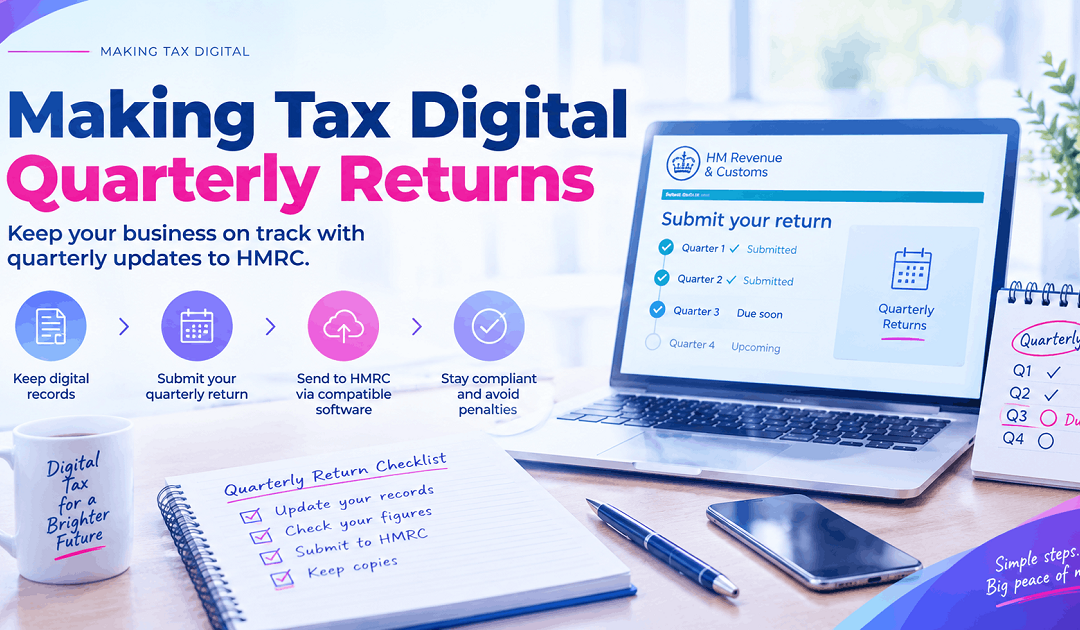
Making Tax Digital Quarterly Returns: Records, Receipts and What Goes to HMRC
By Marina Jahan · Reviewed by Shamayun Chowdhury, CIMA · Tax year 2026/27 · Last reviewed [September 2026]
If you’ve just joined Making Tax Digital, you’ve probably been told you now have to file “quarterly returns”. That label causes more anxiety than it deserves. What HMRC actually receives four times a year is a short set of totals, and what it expects from you in between is a tidy record of each sale and each cost.
This guide covers both halves: what the records must contain, how they reach HMRC, what the quarterly figures include and leave out, and where it all ends up at the year end.
Quick answer
Making Tax Digital quarterly returns are more accurately called quarterly updates. Each is a set of year-to-date totals for one income source, grouped into categories and sent from compatible software. Behind those totals sit digital records of every transaction, each with a date, an amount and a category. No tax is worked out at this stage; that happens on the tax return, filed no later than the 31 January following the tax year.
Our perspective
We are an accountancy firm that keeps records and files updates for sole traders and landlords week in, week out. What follows is based on HMRC’s own rules rather than on how software providers describe them.
An update, not a return
Calling them quarterly returns is understandable, but it sets the wrong expectations. A return is where tax is calculated and settled. A quarterly update is closer to a progress report. It tells HMRC how much has come in and gone out so far this year, and nothing more.
That difference matters in practice. You don’t claim reliefs in an update, you don’t add your salary or pension, and you don’t pay anything when you send one. Those jobs all wait for the tax return.
Making Tax Digital: what information is submitted to HMRC?
Each update holds a small number of figures for one income source, arranged under headings that follow the layout of the self-employment and property sections of your Self Assessment return.
| Income source | Income figures | Examples of cost headings |
|---|---|---|
| Self-employment | Takings, plus other business receipts | Stock and materials, payments to subcontractors, wages, motoring and travel, rent and utilities for premises, repairs, office costs and phone bills, marketing, bank charges and interest, accountancy and legal fees, anything else |
| UK property | Rents, plus other income from the property | Rates, insurance and other running costs, maintenance, letting and legal fees, services such as cleaning for tenants, travel, other outgoings, and residential finance costs as their own figure |
| Foreign property | Rent from each overseas country | The same kinds of cost headings as UK property |
| Any source with turnover under the VAT threshold | A single income total | A single expense total, with landlords still showing residential finance costs separately |
What stays out of the update
- The individual transactions behind each total, and any receipts or statements
- Income from employment, pensions, dividends, savings and other non-business sources
- Adjustments such as private use and capital allowances
- Reliefs you intend to claim
- Any tax calculation
Illustrative example
Kai runs a mobile bike-repair business. His first update of the year might show turnover of £9,800 and a few cost totals: £2,150 for parts, £640 for van running costs, £180 for phone and £95 for insurance. That is the whole of what HMRC receives from him for the quarter. Kai and his figures are made up to show the level of detail involved.
Making tax digital record keeping: what a record must show
Every sale and every cost needs its own digital entry. HMRC asks for three details in each one: the date, the amount and the category. Adding the supplier or customer name, or a few words of description, isn’t compulsory, but it makes the records far easier to review later.
Individual entries, not monthly lumps
A single line reading “fuel, March: £410” won’t do. If a delivery driver fills up twelve times in March, the records should show twelve entries. The few exceptions HMRC allows are described below.
The timing rule
Entering transactions as they happen is sensible, and weekly is a good rhythm. The legal requirement is more relaxed: a quarter’s records must be in the digital system before the update for that quarter is sent. So it’s perfectly acceptable for a bookkeeper to create your records every three months from the paperwork you hand over. What is no longer possible is leaving everything until the end of the year.
Acceptable homes for your records
Accounting software, a bookkeeping app or a spreadsheet can all hold MTD records. A spreadsheet must be paired with bridging software so it can reach HMRC. The two tests are simple: the record is digital, and nothing is retyped on its way to HMRC.
Making tax digital record keeping requirements
Most rules apply to anyone within MTD for Income Tax. HMRC has also set out a few easier routes for particular groups.
MTD record keeping requirements that apply to all
| Rule | In practice |
|---|---|
| A digital entry for each transaction | Date, amount and category for every sale and cost |
| Separate records per income source | One set for each self-employment; one for all UK lettings combined; one for property abroad |
| Complete before the update | A quarter’s records must be finished before its update is sent |
| Digital links throughout | No figure is retyped between the record and the update |
| Evidence retained | Invoices, receipts and statements kept to support the entries |
| Kept for long enough | Generally five years or more beyond the 31 January filing date of the year concerned |
The property point is often misunderstood. HMRC treats all of your UK lettings as one business, so you don’t need a separate set of MTD records for each house or flat. Tracking properties individually is still useful for running them, and landlord software normally lets you do that while reporting one set of totals.
The three easier routes
Joint owners. Anyone with a share in a jointly let property can record their share of income as one entry per category for each quarterly period. Their share of costs can go in as a single entry per category covering the full year. Either option can be used without the other.
Turnover under the VAT threshold. Where turnover from a self-employment or from UK property is below the VAT registration threshold, now £90,000, each record can simply be marked as income or expense. The update for that source then carries just those two totals. Residential finance costs, such as mortgage interest on a buy-to-let, still have to be recorded and reported separately.
Retailers. A retail business may choose, one tax year at a time, to keep one digital entry per day for total gross takings rather than logging every sale. That daily figure has to include card, cash and cheque takings, the full value of credit sales and vouchers, and online marketplace sales. Refunds, voided sales and training transactions are excluded.
Why weak records become expensive
Poor records rarely draw a penalty in themselves. What they cause is late updates and inaccurate figures, and those are what lead to charges. The details are in our guide to MTD penalties.
Making tax digital receipts: keeping the evidence
You don’t send HMRC your receipts. They aren’t attached to updates or to the tax return. HMRC deals in totals; the evidence stays in your hands.
Paper still counts
The rules change how transactions are recorded, not how proof is stored. A paper receipt from a wholesaler can sit in a box file, provided the purchase has been logged digitally with its date, amount and category. Photographing receipts with an app that reads the figures and creates the entry is handy, but optional.
What makes a receipt useful
If HMRC ever questions a cost, the receipt is how you prove it. It should show the supplier, the date, the amount and what was bought. Till receipts printed on thermal paper fade quickly, so a photo taken soon after purchase is worth the few seconds it takes. VAT-registered businesses should also keep proper VAT invoices, since a card slip is not usually enough to reclaim VAT.
Evidence of income matters too
Copies of your own invoices, statements from platforms, letting agents and your bank all support your income figures. Keep them for the same period as your cost receipts.
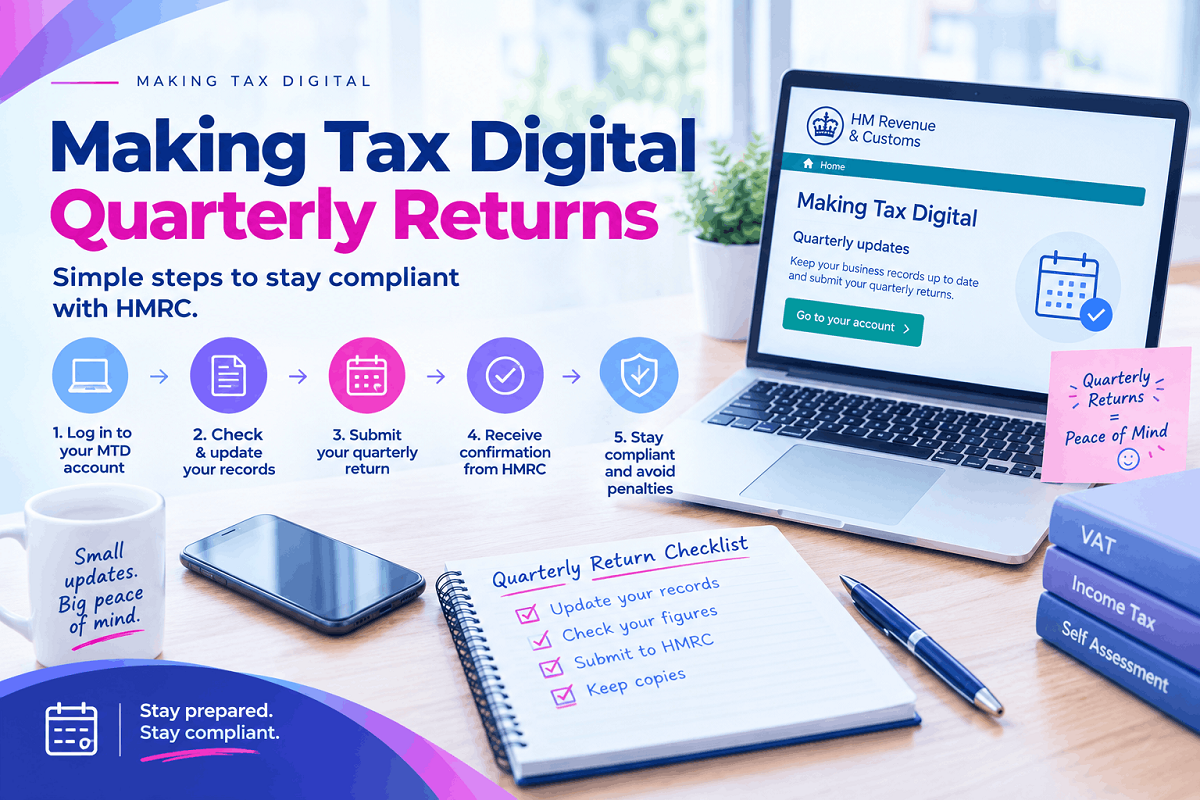
HMRC MTD digital links, explained
After the first entry, figures have to move from one program to the next without anyone keying them in again. HMRC calls each of those connections a digital link. They only need thinking about when more than one tool handles your figures.
Which connections qualify
| Method of moving figures | Counts as a digital link? |
|---|---|
| Spreadsheet formulas referencing another tab or file | Yes |
| Exporting a file and importing it elsewhere | Yes |
| Bank feeds into your bookkeeping software | Yes |
| Bridging software reading from a spreadsheet | Yes |
| Apps connected through a built-in integration | Yes |
| Re-typing figures from one system into another | No |
| Copy and paste between programs | No |
| Keying in totals from a printed report | No |
Typing the original entry by hand is fine. The rule applies to every step after that first entry.
Keeping a spreadsheet compliant
There’s nothing wrong with keeping records in a spreadsheet, but a spreadsheet can’t send anything to HMRC on its own. Bridging software does that part by reading your figures directly. Where people slip up is by retyping totals from their transaction sheet into a summary page or into the bridging tool. Use formulas to link the two instead. Set-up details are in our bridging software guide.
Making tax digital quarterly reporting: turning records into an update
Once the quarter’s records are complete, the software does the adding up. It totals each category for the tax year so far, up to the latest quarter-end, you review the result, and you approve it.
Totals for the year so far
Because every update covers the year to date, fixing an earlier mistake is simple. Correct the record, and the next update carries the right total. There’s no separate correction to send.
Using calendar quarters
If it suits your bookkeeping, your periods can close at the end of June, September, December and March rather than on the 5th. The filing deadlines stay the same, and the choice must be made before the first update of the tax year.
The estimate that follows
After HMRC accepts an update, you can see a projected tax figure for your trading and letting profits, either in your software or in your HMRC online account. It’s a rough guide only, since it knows nothing of year-end adjustments or other income. The wider Income Tax cycle is explained in our MTD for Income Tax guide.
Making tax digital submission, step by step
Updates go directly from your software to HMRC. There’s no web form and nothing to upload.
- Check the totals the software has produced, opening any that look unusual
- Approve the update and send it from within the software
- Save the confirmation HMRC returns, including its reference and date
- Note the tax estimate that appears afterwards as an early warning of your bill
If your software or HMRC’s systems fail as a deadline approaches, take screenshots and save error messages straight away. That evidence could support a reasonable excuse later. And sending an update never takes money from your account; tax is still paid on the normal Self Assessment dates.
Making tax digital reporting requirements: how many updates you owe
Each income source inside the rules has its own updates, and all of them share the same deadlines.
| Your income sources | Updates each year | Year-end filing |
|---|---|---|
| One trade | 4 | A single return |
| A trade plus UK lets | 8 | A single return |
| Two trades plus UK lets | 12 | A single return |
| UK lets plus lets overseas | 8 | A single return |
Updates fall due on 7 August, 7 November, 7 February and 7 May, with the return due by the following 31 January. For every date, including the first-year overlap with the old system, see our MTD deadlines page. An accountant or bookkeeper acting as your agent can handle all of these submissions for you.
Making tax digital tax returns: bringing the year together
The four updates are raw material. The tax return, sent from your software by the next 31 January, is where that material becomes a taxable profit and joins the rest of your income.
What gets added at the year end
- Adjustments to trading and letting figures for accounting and tax purposes
- Capital allowances and loss claims
- Employment, pension, dividend, savings and other income
- Reliefs such as Gift Aid and pension contributions
- Your confirmation that the return is correct and complete
Outdated terms to ignore
HMRC once intended every business to file an extra “End of Period Statement”, followed by a “final declaration”. Both ideas were dropped along the way. Today there are just the updates and a single return, which means advice telling you to prepare an EOPS was written for rules that never came in. How products handle the year-end stage is covered in our MTD for Income Tax software guide.
Common record-keeping mistakes
Grouping transactions into monthly totals. Unless one of HMRC’s easier routes applies, each transaction needs its own entry.
Saving everything for deadline week. Rushed records are where miscategorised costs and forgotten receipts come from. A short weekly session costs far less time overall.
Retyping a spreadsheet total. An otherwise perfect spreadsheet stops being compliant the moment a total is keyed into another tool by hand.
Using one account for business and personal spending. Every personal transaction then has to be picked out before each update.
Discarding receipts after entering them. The digital record replaces your old ledger, not the evidence behind it. Keep supporting documents for the full period.
Prefer to hand over the paperwork?
Many clients simply send us their receipts and statements each quarter and never touch bookkeeping software. We create the digital records, file each update and prepare the tax return.
MOST CHOSEN FOR MTD
Making Tax Digital
£15 a month
For anyone with quarterly updates due
- Bookkeeping built from the paperwork you send us
- Every update reviewed and submitted
- Your annual return prepared
Self Assessment
£7.50 a month
For people who haven’t joined MTD yet
- Your records put in order for the return
- Return filed before the deadline
- Guidance on preparing for MTD
Send us the shoebox
Let us know how you keep your records at the moment and where your income comes from. We’ll recommend the simplest compliant approach and agree a fixed fee before any work begins.
Phone: 0116 403 0595 | Email: mtdfix@yahoo.com | Web: mtdfix.com
MTDFix, 6 Egginton Street, Leicester, LE5 5BA · Serving clients across the UK
Questions about quarterly updates and record keeping
Is a quarterly update a tax return?
No. It’s a summary of income and costs for one source. Adjustments, other income, reliefs and the tax calculation all happen on the tax return, which is due at the end of the following January.
Must every receipt be scanned?
No. Receipts can stay on paper as long as each transaction has been recorded digitally with its date, amount and category.
Can records be entered once a quarter?
Yes. Each quarter’s transactions just have to be entered digitally before you file that quarter’s update.
Is Excel acceptable?
It is, as long as bridging software passes the numbers on to HMRC and nobody retypes them in between.
My partner and I let a flat together. Do we need to record each rent payment?
Not necessarily. For your share, you can record one income entry per category for each quarterly period and one cost entry per category for the whole year.
Do I keep separate MTD records for each rental property?
HMRC doesn’t require it. Every UK let counts as part of a single property business, while property abroad is treated as another.
How long should records be kept?
As a rule, for five years or more beyond the 31 January filing date of the year they cover.
The essentials
Good MTD record keeping boils down to one routine: log each transaction digitally, with its date, amount and category noted, and let the figures travel to HMRC without being retyped. Hold on to the evidence, see whether one of HMRC’s easier routes fits you, and treat the quarterly figures as building blocks for the tax return. To choose the tools, start with our Making Tax Digital software guide.
This page gives general information on MTD record keeping for 2026/27 and is not personal advice. HMRC can change its directions, so check the latest guidance or speak to an accountant before relying on it.
Sources